Why Face ID and Fingerprint Logins Die with You — 3AM Reality Check
Your kid's Face ID won't open your dad's iPhone at 3 a.m. Here's what actually stops working, the law behind it, and what you can do this weekend.
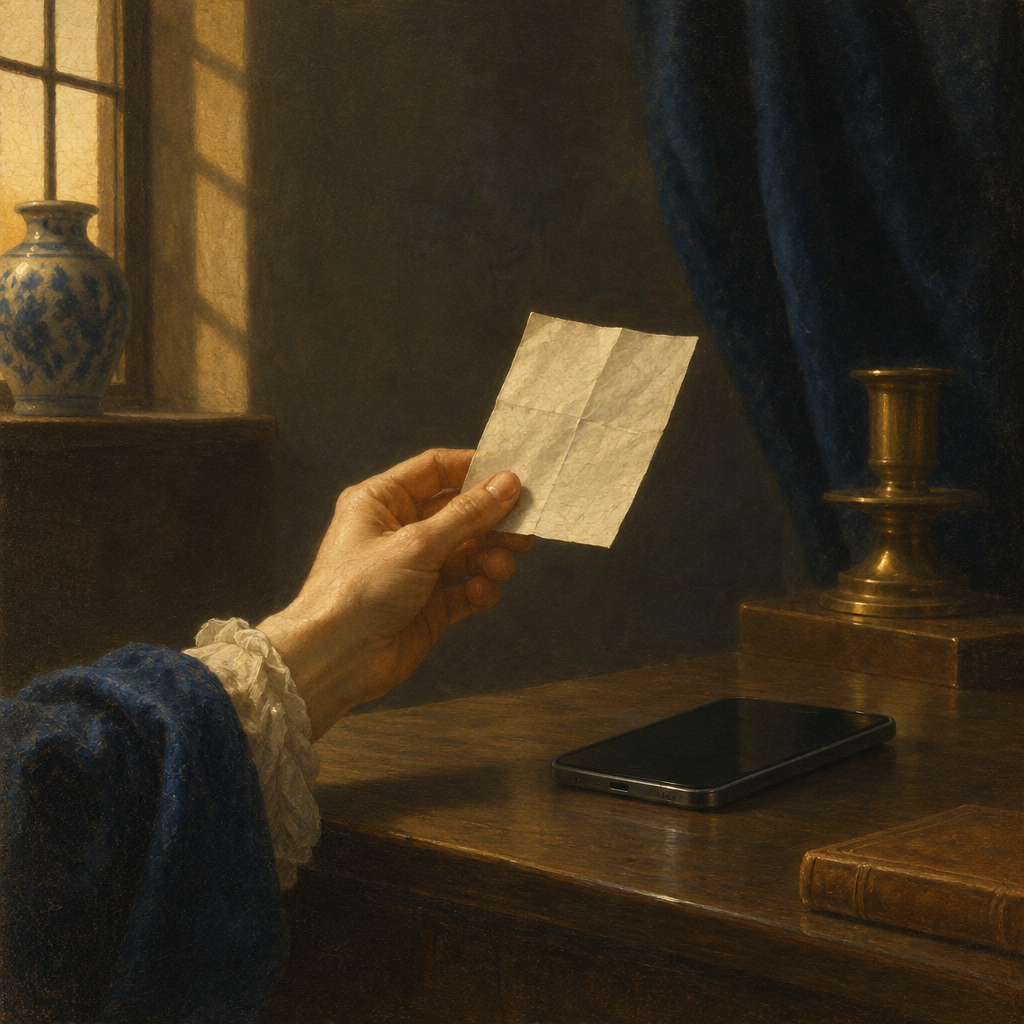
"My mom passed away last night. Her iPhone is still on Face ID and we need the photos for the funeral slideshow. We have her death certificate and a copy of the will. What can we do?"
Do biometric locks stop working immediately after death?
Yes. Face ID and fingerprint sensors compare a live biometric sample to the stored template. Once the person is dead, there is no viable sample, so the device rejects every attempt. The lock falls back to the device’s alphanumeric passcode—if one exists. If the user never set a passcode, the device is effectively sealed.
Biometric authentication requires a living sample; after death the sensor defaults to the device’s passcode, which many users never create, leaving the device inaccessible.
What does the law actually say about accessing a dead person’s biometric‑locked device?
Under Oregon’s adoption of RUFADAA §4, a court‑appointed executor (the person legally authorized to settle an estate) can request a service provider’s assistance to access a deceased user’s account. The provider must comply if the request is reasonable and the user’s terms of service permit it. In practice, Apple and Google both require a court order and the device’s passcode before they will hand over data.
RUFADAA §4 (Revised Uniform Fiduciary Access to Digital Assets Act) gives fiduciaries the right to request access, but it does not force companies to break encryption or biometric locks without the user’s passcode.
RUFADAA §4 lets an executor request digital access, but providers still need the device passcode or a court order to comply.
How do Apple and Google actually handle these requests?
Apple’s “Digital Legacy” program (launched Dec 2021) allows a Legacy Contact to request access after death, but the contact must provide the device passcode or a valid court order. Apple will not override Face ID or the Secure Enclave (the hardware that stores the biometric keys).
Google’s Inactive Account Manager (updated 2020) lets you designate a trusted contact who receives a link after a period of inactivity. That link still requires the Google account password, not a biometric token. Both companies treat the biometric lock as a separate security layer that only the passcode can bypass.
In Apple Digital Legacy vs Google Inactive Account Manager we explained why legacy contacts aren’t a magic key.
Apple and Google require a passcode or court order; biometric data alone cannot be handed over to anyone, even a legacy contact.
Why the common advice “just tell your spouse the password” is dangerous
Tech influencers love the shortcut: “Write your password on a sticky note for your spouse.” That ignores two realities. First, many devices have no password at all—only biometrics. Second, once the spouse knows the password, they still need to convince Apple or Google to release the data, which usually means a court order. The sticky note does nothing for the biometric lock.
In Locked Out: My Dad's Gmail Nightmare I showed how a simple password note didn’t get us past Google’s legal gate.
Leaving a password on a note does not bypass biometric locks nor satisfy provider requirements for legal access.
This does NOT mean you should abandon biometrics altogether
Choosing a PIN or alphanumeric passcode as a backup does NOT make your device less secure in daily use. Modern iOS and Android devices still use the passcode to encrypt the Secure Enclave. The passcode is the only key that a court‑ordered request can leverage. Keep the biometric convenience, but add a strong, memorable passcode and store it safely.
What to do this weekend
- Open your device settings and verify a six‑digit passcode exists. If not, set one now.
- Designate a Legacy Contact in Apple’s Settings > Your Name > Password & Security > Legacy Contact, or add a trusted contact in Android’s Digital Estate settings.
- Upload the passcode (encrypted) to In Case Shit Happens. Use Shamir secret sharing to split it among two trusted people.
- Draft a short letter of instruction naming the executor and explaining where the vault lives.
- Test the dead‑man’s switch in the app to ensure the secret releases when needed.
Do this before the next holiday. It takes under an hour and could save your family from a 3 a.m. scramble.
Frequently Asked Questions
Can my spouse access my iPhone after I die if I use Face ID?
No. Face ID is tied to the living person's biometric data. Without a passcode or legacy contact, the device stays locked, and the executor must petition the court for access under RUFADAA §4.
What does RUFADAA §4 actually require?
RUFADAA §4 gives a court‑appointed fiduciary (executor) the right to request a service provider’s assistance in accessing a deceased user’s digital account, provided the provider’s terms allow it and the request is reasonable.
Does Apple Digital Legacy let me bypass Face ID after death?
Apple Digital Legacy, launched Dec 2021, lets you designate a Legacy Contact who can request access to your data after death, but it does not bypass the biometric lock; the contact still needs the device passcode or a court order.
How can I make my fingerprint‑locked Android phone accessible to my kids?
Add a trusted emergency contact in Android’s “Digital Estate” settings and store the device PIN in an encrypted vault like In Case Shit Happens. That way the PIN can be released via a dead‑man’s switch.
What should I do this weekend to protect my biometric accounts?
Write down your device passcode, add a legacy contact, and upload the encrypted copy to a vault that supports Shamir secret sharing. Test the process with a trusted friend before you need it.